flowstone
Flowstone supports schools, programs, and care communities.
Flowstone offers simple breathing, grounding, sensory, and reset practices for the people you support.
Flowstone can be used together, one-to-one, or as a quiet space someone can enter on their own. Students and participants do not need personal accounts, profiles, or logins to use the shared experience.
Flowstone supports the people who help others find steady ground.
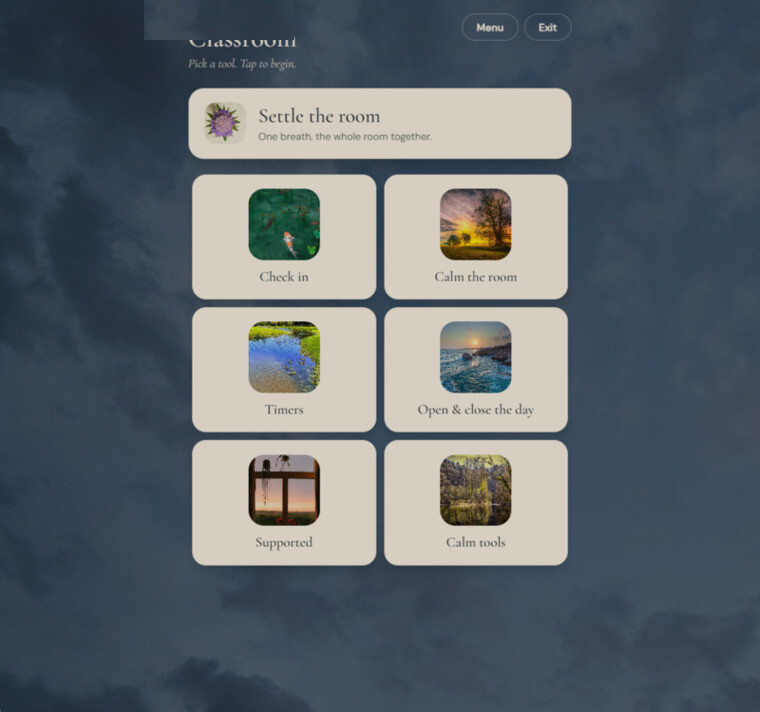
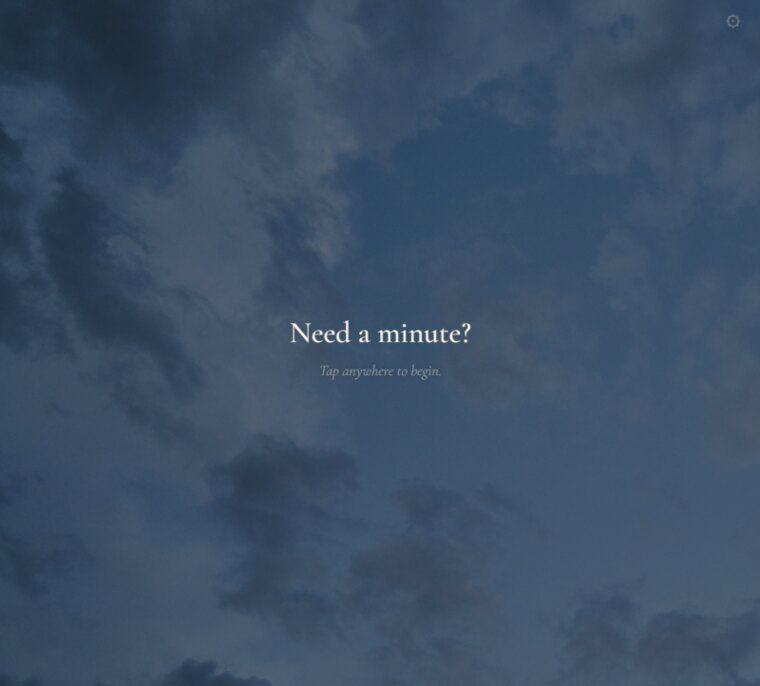
One tap creates room to breathe.
A classroom is buzzing. A resident feels restless. A client needs help finding steady ground.
One tap can guide the room through a breath, grounding practice, or gentle reset while you remain present with the people you support.
Two ways in
Which setting are you in?
The practices are the same. The pricing and the setup are shaped around how each place actually works.
Or keep reading to see how it works.
Flowstone gives each person room to respond in their own way.
Some moments are hard to explain.
Flowstone offers visual, auditory, breathing, and body-based practices that people can follow at their own pace.
Each person has a quiet way to pause, settle, or reconnect without being watched, scored, or asked to perform.
Flowstone fits into many kinds of everyday spaces.
Flowstone can meet people wherever learning, care, and support already happen.
Flowstone can be used in many settings.
- Preschools, classrooms, and school districts can use flowstone.
- Autistic and neurodivergent support programs can use flowstone.
- Special education and therapy settings can use flowstone.
- Counseling and behavioral health programs can use flowstone.
- Adult day and community programs can use flowstone.
- Disability and residential support services can use flowstone.
- Senior living and memory care communities can use flowstone.
- Nursing homes and rehabilitation settings can use flowstone.
- Clinics, waiting rooms, and family-support spaces can use flowstone.
- Hospice, respite, and caregiver programs can use flowstone.
Flowstone can become part of the rhythm that is already there.
The same flowstone space can support many different moments.
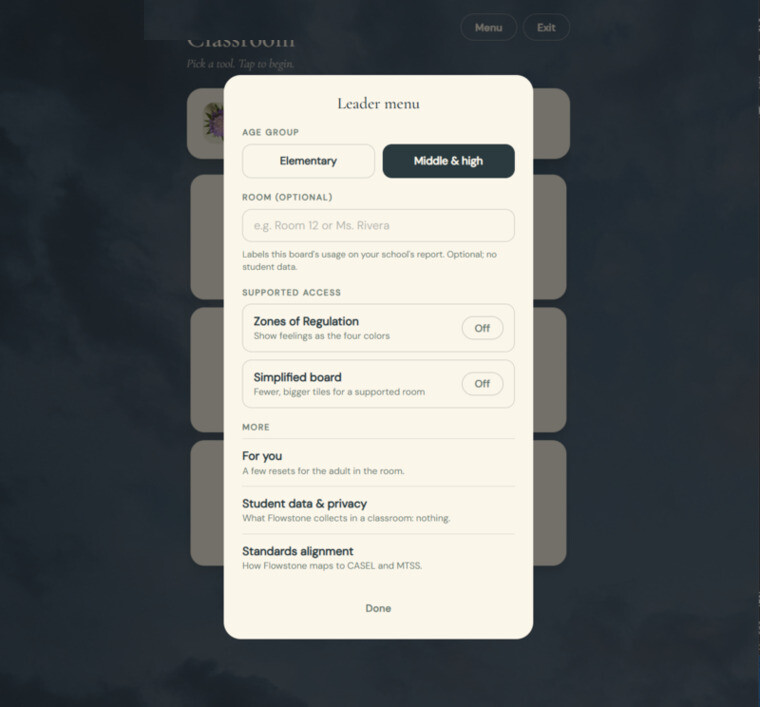
Flowstone can run on an iPad, Chromebook, shared display, or supported browser. A licensed staff member connects the shared device so it is ready when people need it.
Students and participants do not need individual accounts, and staff can manage access from one place.
Everything starts with the space you already have.
A quiet corner can be ready in a few minutes.
- 1
Your quiet corner can begin with what is already there.
A beanbag by the window, a desk at the back, or a shelf in the hallway can all work. The space can give someone a way to step away from the activity without leaving the room.
- 2
A shared screen is all the space needs.
A tablet, Chromebook, spare laptop, or board at the front can all work. Flowstone runs in a browser, so the shared experience does not require installation or ongoing updates.
- 3
Staff access keeps usage reporting clear.
An administrator adds each staff member by name and work email. Staff names can appear in usage reporting, while students and participants remain separate from the staff access system.
- 4
Your shared-space link keeps flowstone ready to open.
A licensed staff member signs in the first time flowstone opens on the shared device. The shared-space link can then be bookmarked and reopened whenever the space needs it. Students and participants do not need to sign in.
After setup, the shared space is ready whenever people need it.
“A stone is not carved by force.
It is carved by water.”
~Juli Hughes
Dignity is built into the experience.
People can receive support without becoming individual profiles.
Students and participants do not need personal accounts, profiles, or logins. Their private responses are not available for staff to review.
When someone leaves the screen, nothing personal is left behind. Flowstone gives staff a flexible tool while protecting the privacy of the people they support.
Flowstone can support one room or an entire community.
A calm corner can become part of any space that needs one.
One annual license can support a single room, a classroom, a care program, a school, or an entire building.
Schools and care organizations can choose the license that fits their setting. Setup information and access arrive by email after purchase, and the shared flowstone experience runs in a supported browser.